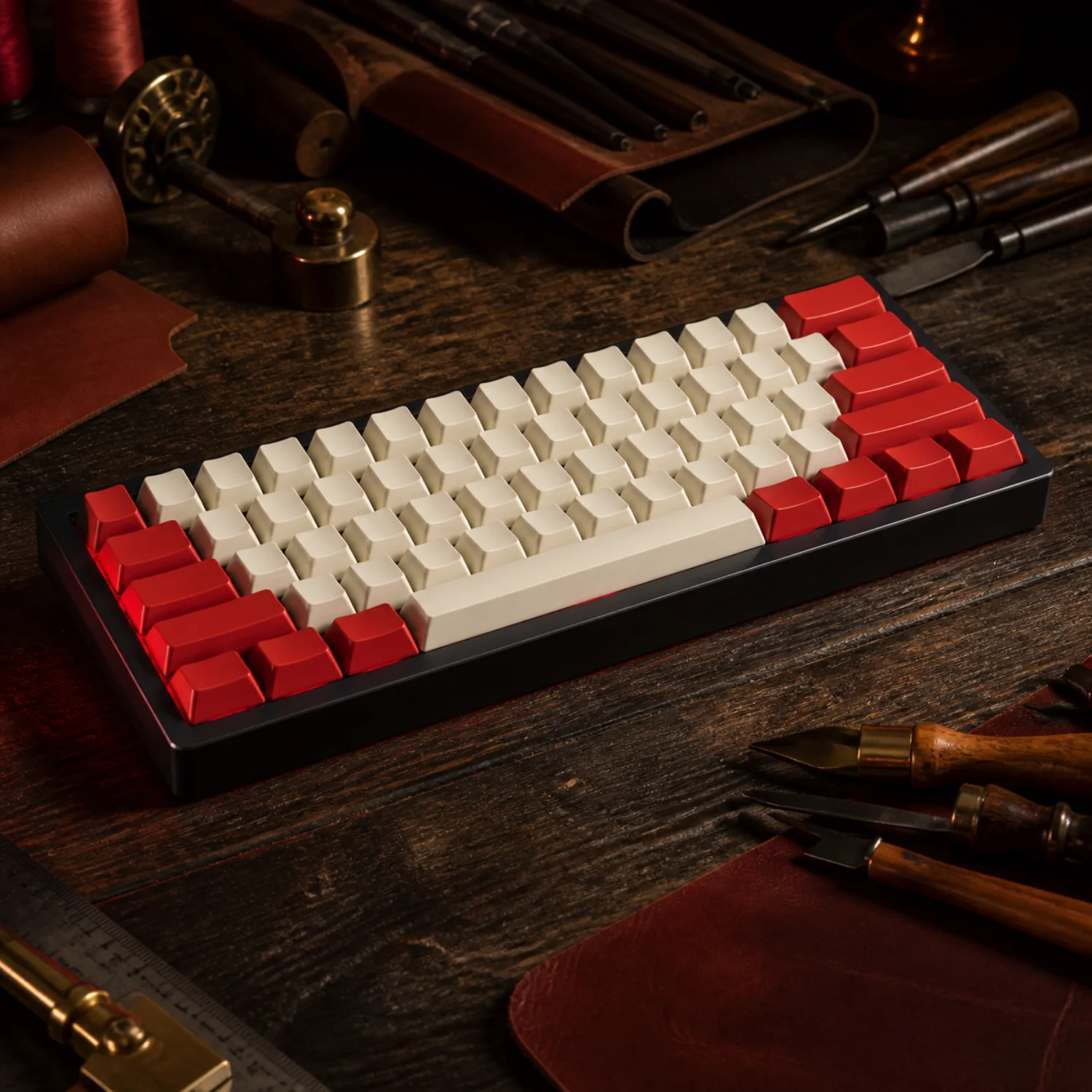
 Drop 01
Corsa 60 Rosso
179 EUR40 pieces
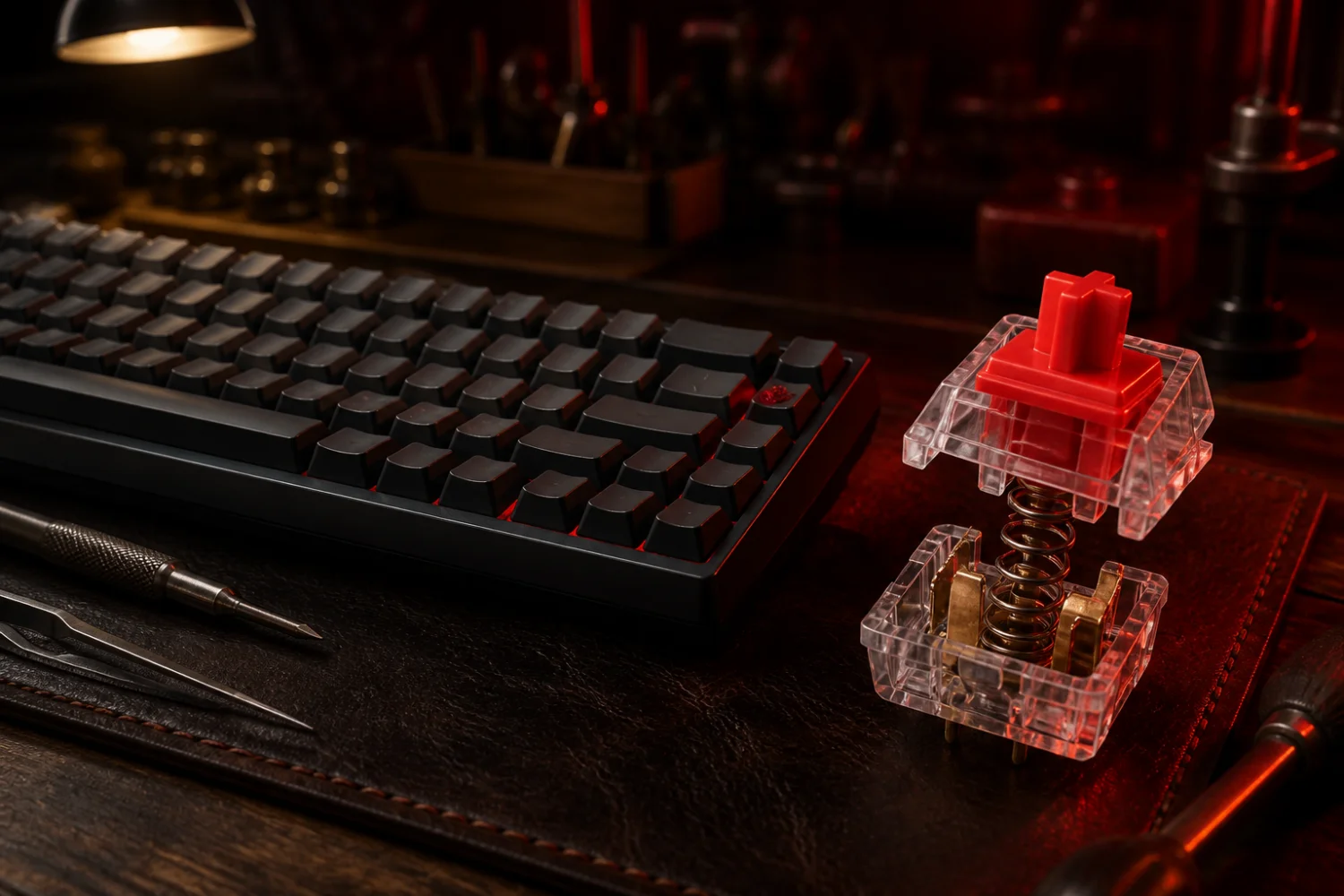
Italian mechanical keyboard atelier · Modena bench
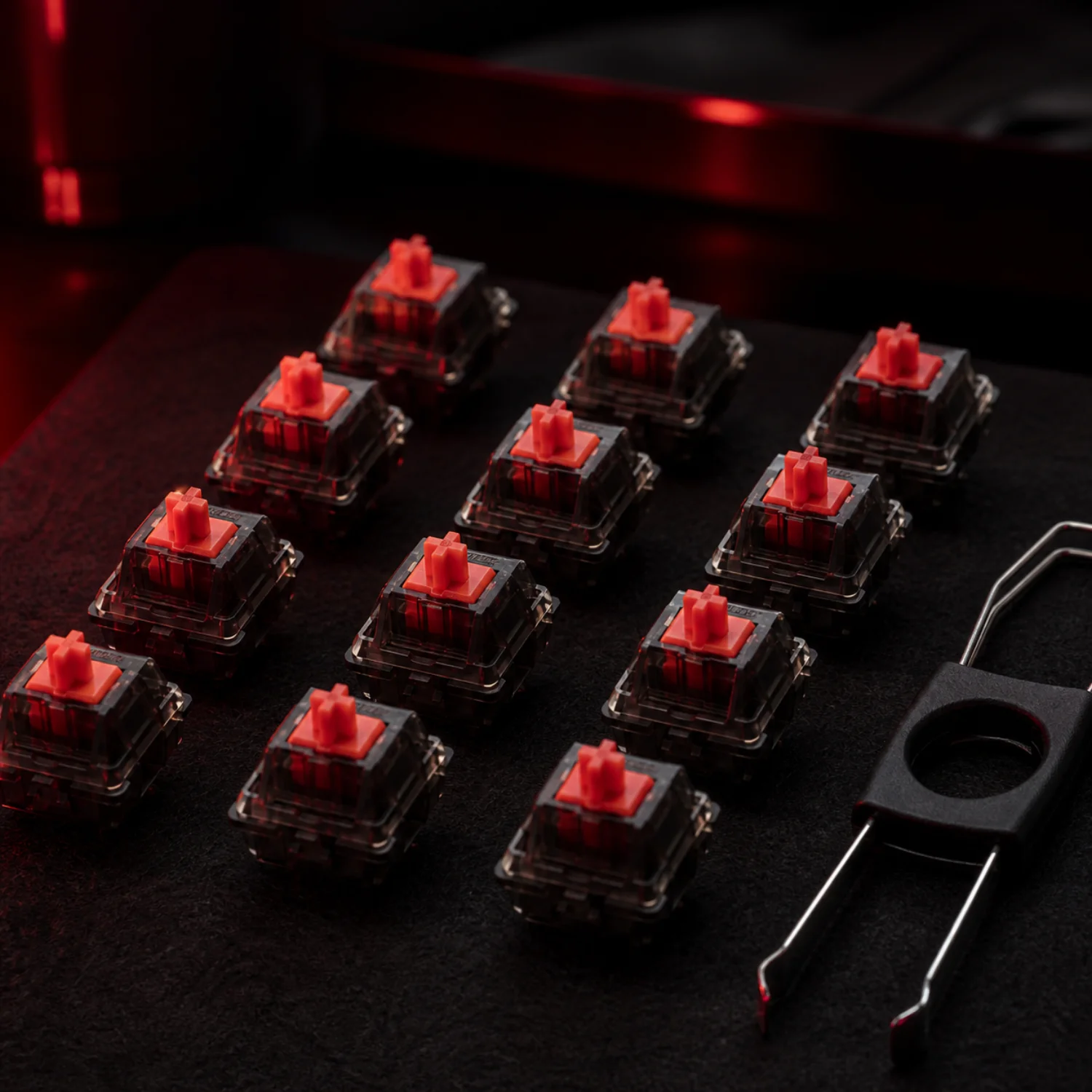
Smooth travel from top to bottom. Linear switches suit fast repeated inputs, gentle typing, and anyone who prefers motion without a tactile event interrupting the stroke.
Aluminium 65% case · Rosso Linear switches · 159 EUR
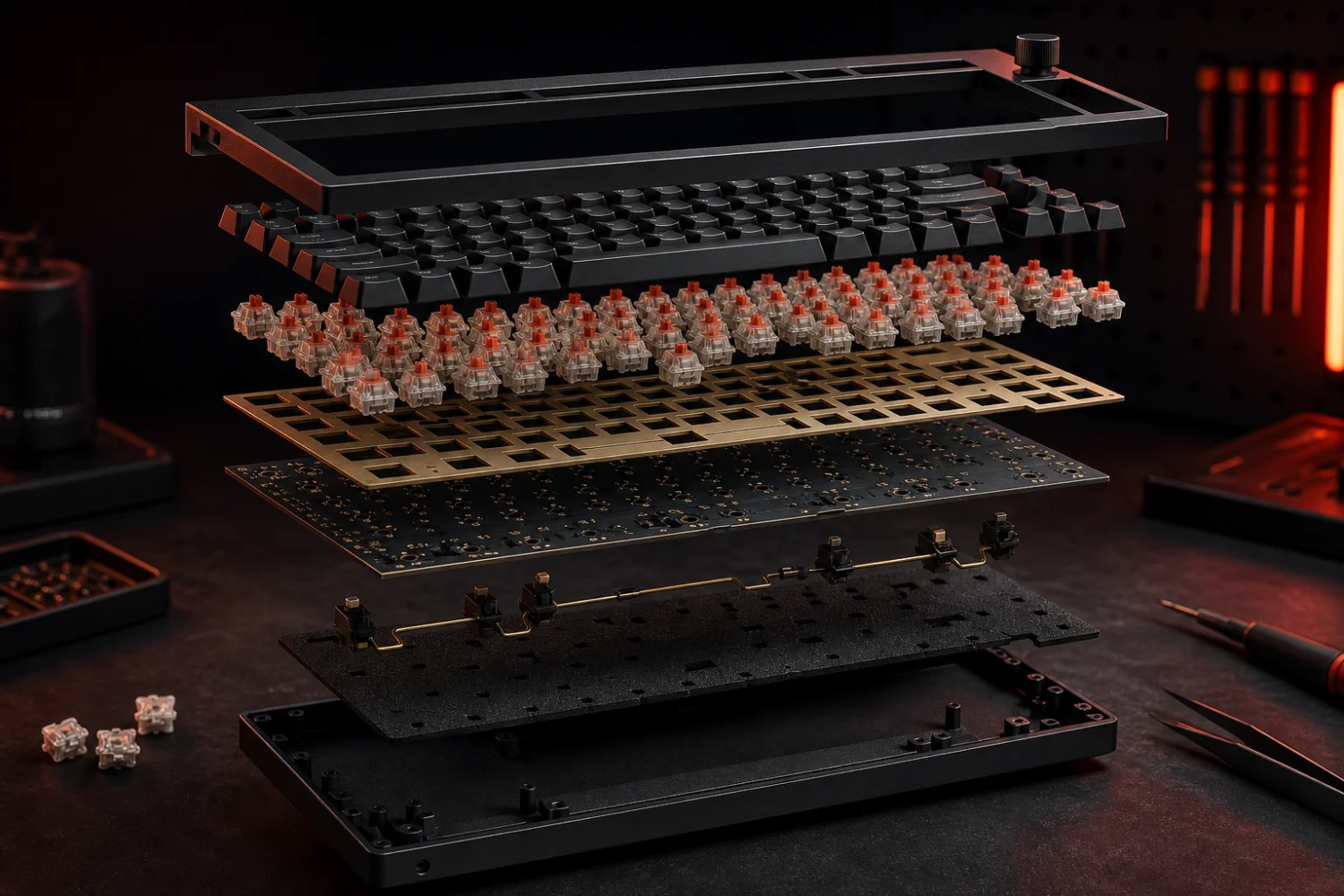
01 / Keyboard Anatomy
02 / Typing Style Quiz
03 / Limited Drop Shelf
Drop 01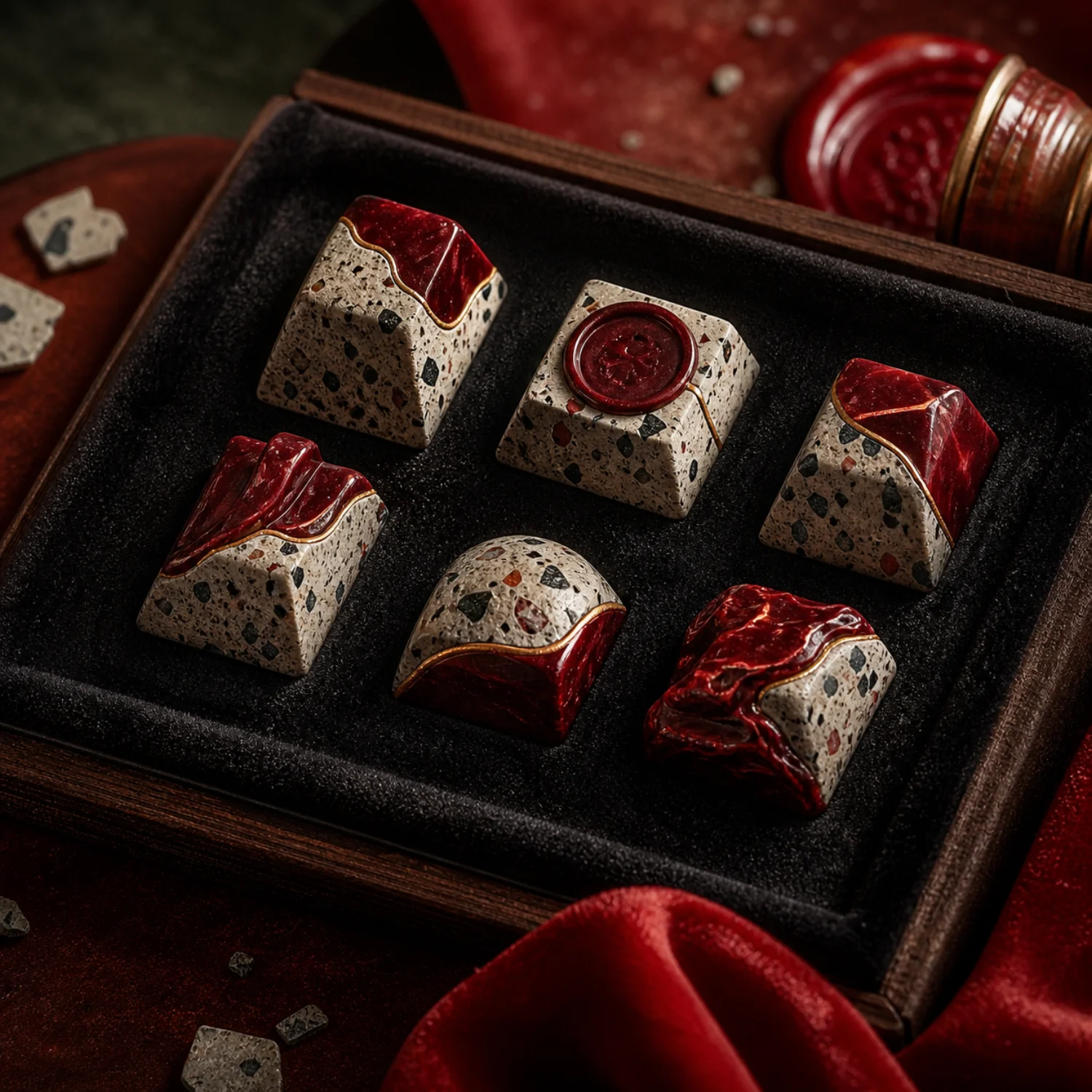 Drop 02
 Drop 03
 Drop 04
 Drop 05
04 / Long Typing Guide
Choosing a mechanical switch is less about finding a universal winner and more about noticing what you enjoy during hundreds of ordinary keystrokes. Linear switches move smoothly from top to bottom without a tactile event. They suit rapid repeated inputs, gentle typists, and people who dislike interruption during the stroke. Because feedback is subtle, some users initially press farther than necessary.
Tactile switches add a noticeable bump around actuation. That signal can help writers recognise a registered press before reaching the bottom of the travel. The feeling ranges from light and early to rounded and pronounced, so two tactile switches may behave very differently. They are a versatile starting point for mixed writing, study, and occasional gaming.
Clicky switches pair tactile feedback with an audible mechanism. Their crisp report makes each press expressive and can create a satisfying rhythm for focused writing. In shared homes, libraries, calls, or late sessions, however, the sound may distract others. Recordings rarely capture the true volume or pitch of a keyboard on your desk.
Silent switches use internal dampers to soften impact at the top, bottom, or both. They reduce sharp noise for calls and shared rooms, although the cushioned ending feels different from an undamped switch. Case material, mounting style, keycaps, stabilizers, foam, desk surface, and typing force also change the final sound.
Try switches before committing when possible. Compare them in the same board, type complete sentences, and notice fatigue rather than chasing a short sound test. Choose spring weight first, feedback second, and sound third. A comfortable switch supports your normal pressure and environment; tuning can refine its voice later without replacing the entire keyboard. Let preference lead, then tune patiently.
05 / Desk Typists Club

Lucia drafts essays at a walnut desk beside a bookcase, often typing for two morning hours. A medium tactile bump gives her a registration point without the sharp report of clicky switches. She paired it with taller PBT keycaps and a rest. The deliberate feedback keeps her rhythm measured, while the compact layout preserves space for annotated pages and espresso.
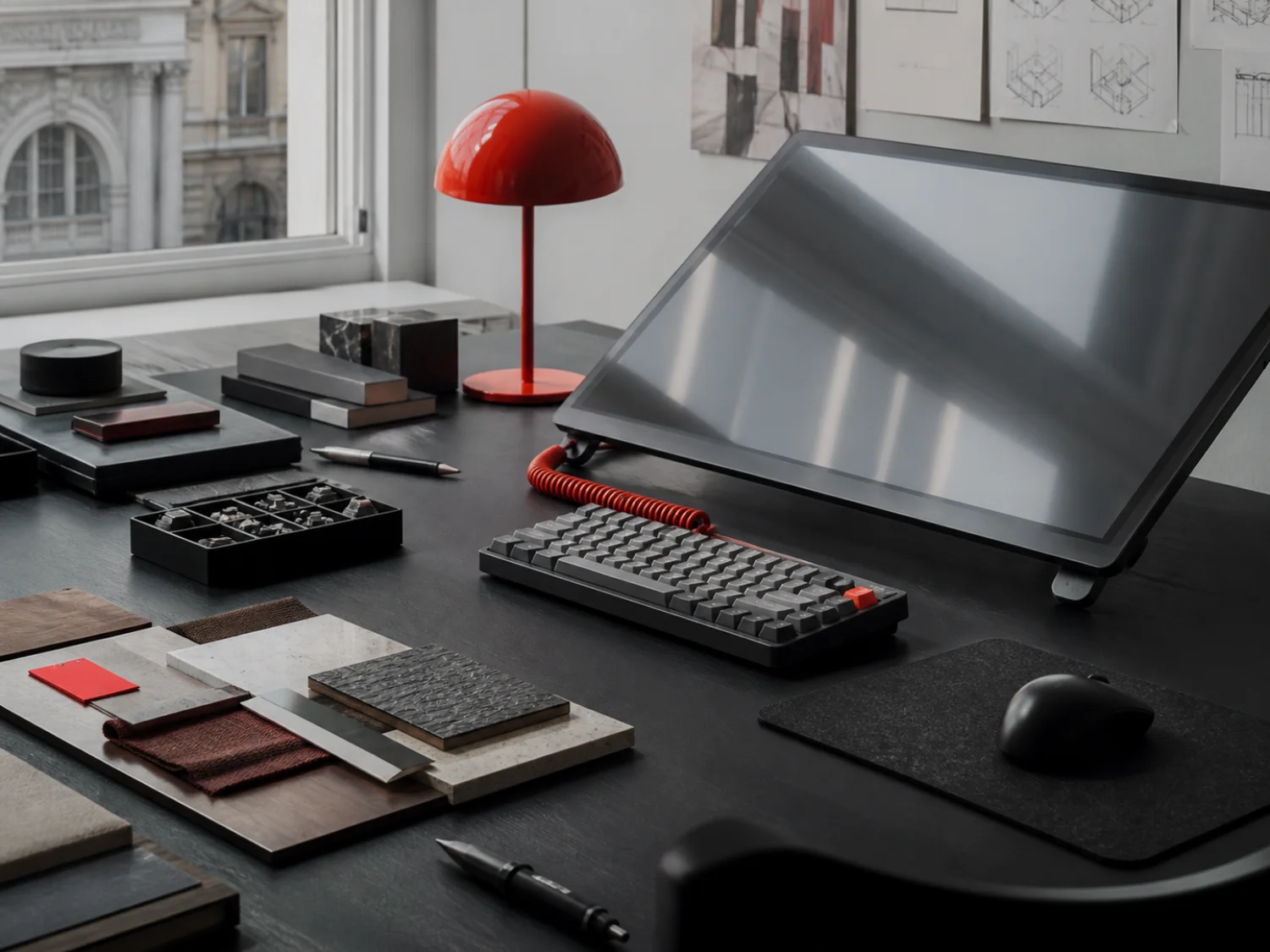
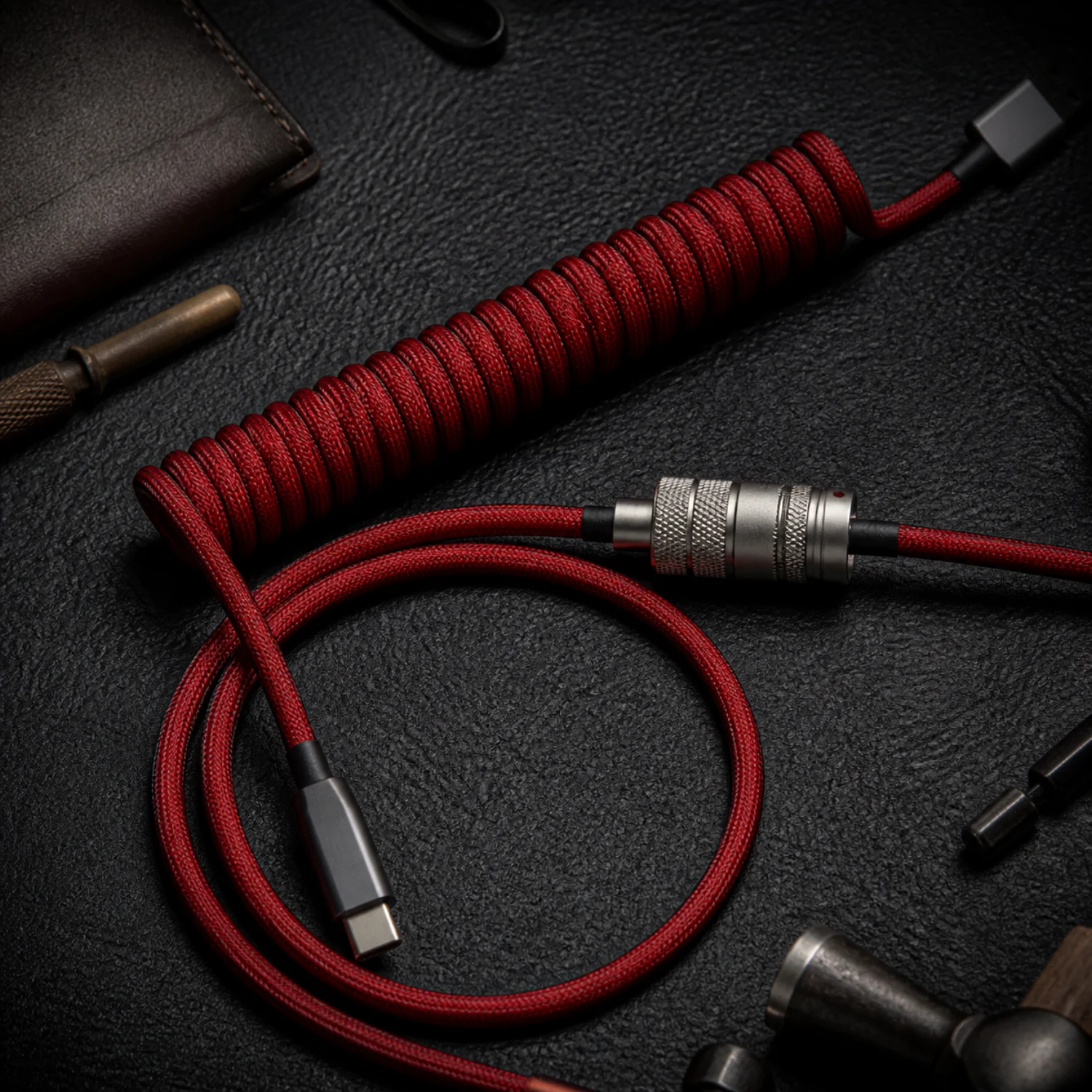
Andrea moves between a pen display, shortcuts, and client previews in a Milan studio. Linear switches make repeated commands feel quick, with no bump interrupting rapid key combinations. A 65% board brings the mouse closer and keeps the drawing area open. The coiled cable adds colour without crossing the tablet, while sculpted artisan caps mark the controls used most often.
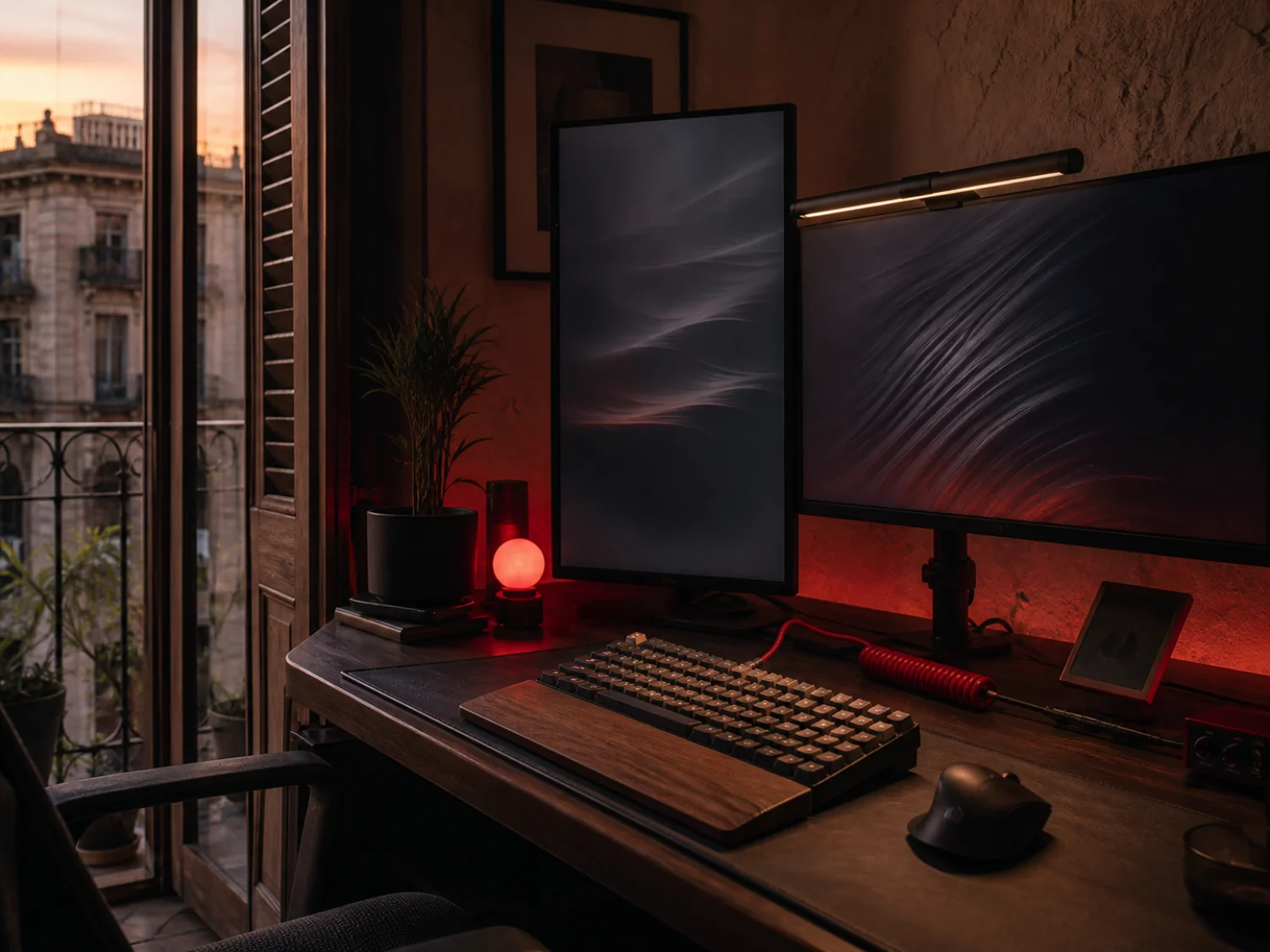
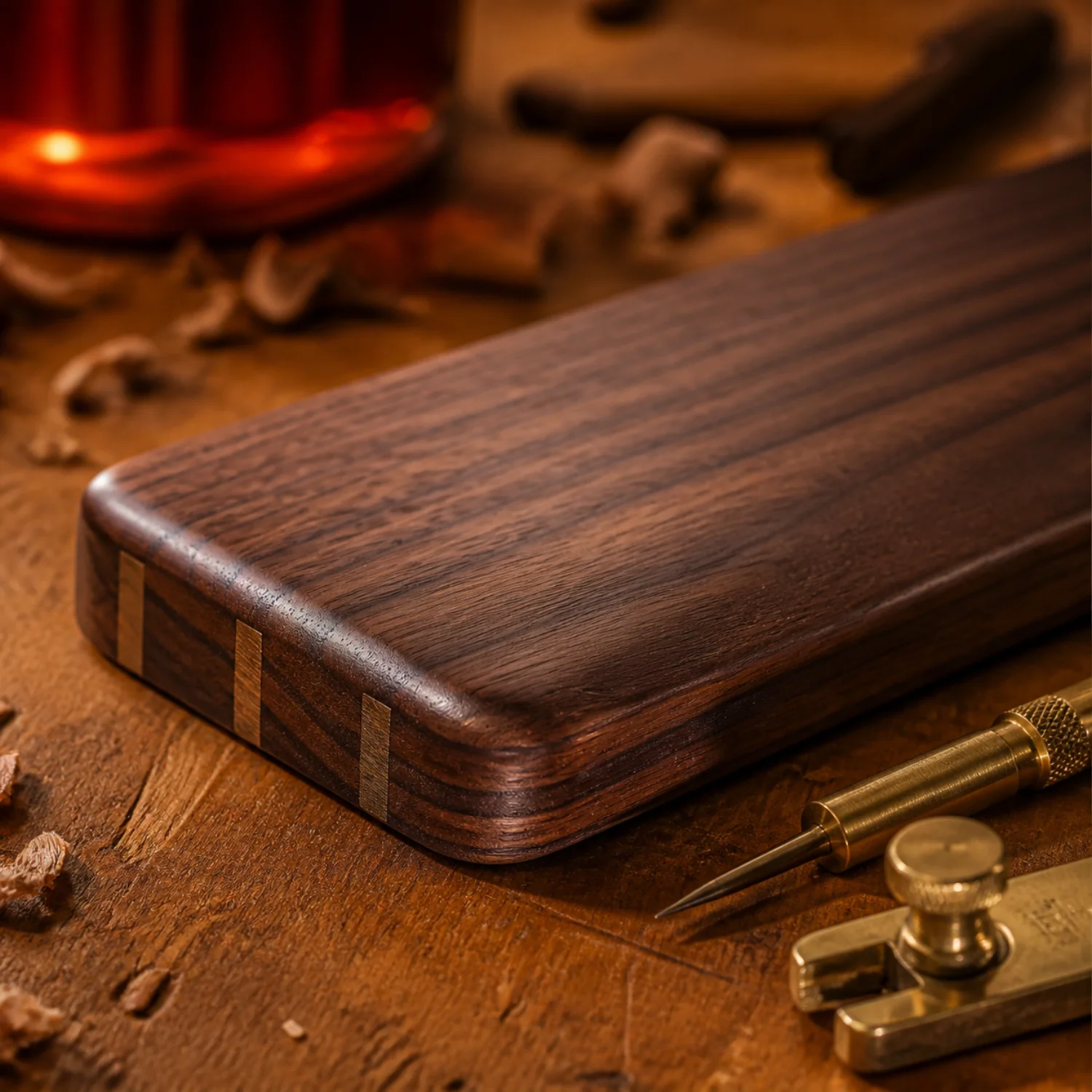
Salvatore shares an apartment workspace and codes after dinner, when keyboard noise travels between rooms. Silent switches soften both ends of each stroke, and a felt mat reduces desk resonance beneath the case. He chose a spring to avoid accidental presses and added a walnut rest for pauses. Calls now remain clearer, while the board still feels mechanical and precise.
We noted your interest for this preview.